
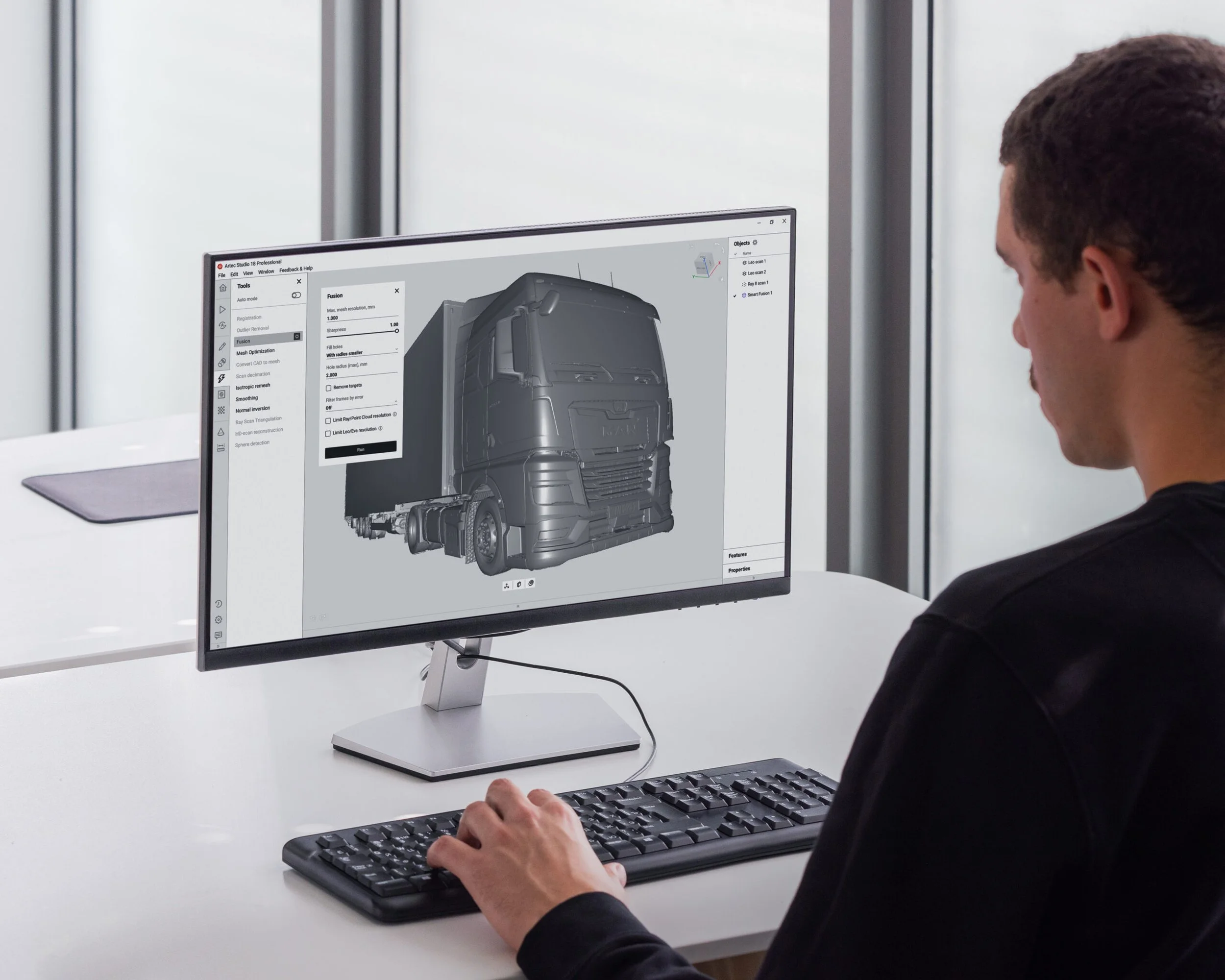
ARTEC studio
An all-in-one professional 3D scanning & photogrammetry software for 3D modeling, reverse engineering, inspection, and more.
Automated Worflows
Take charge manually, use Autopilot for a fully automatic workflow, or create your own repeatable custom workflow sequences that can be launched with a single click
Ultra Fast Processing
with sophisticated hardware optimization, machine learning, and constant algorithm improvements, Artec Studio completes operations with remarkable speed
combine data types
Use Smart Fusion to combine data from multiple sources for the best of both worlds
optimize your mesh
Heal errant polygons, filter out small or disconnected objects, and reduce file size with Artec’s intelligent mesh simplification for maximum detail per KB of file size
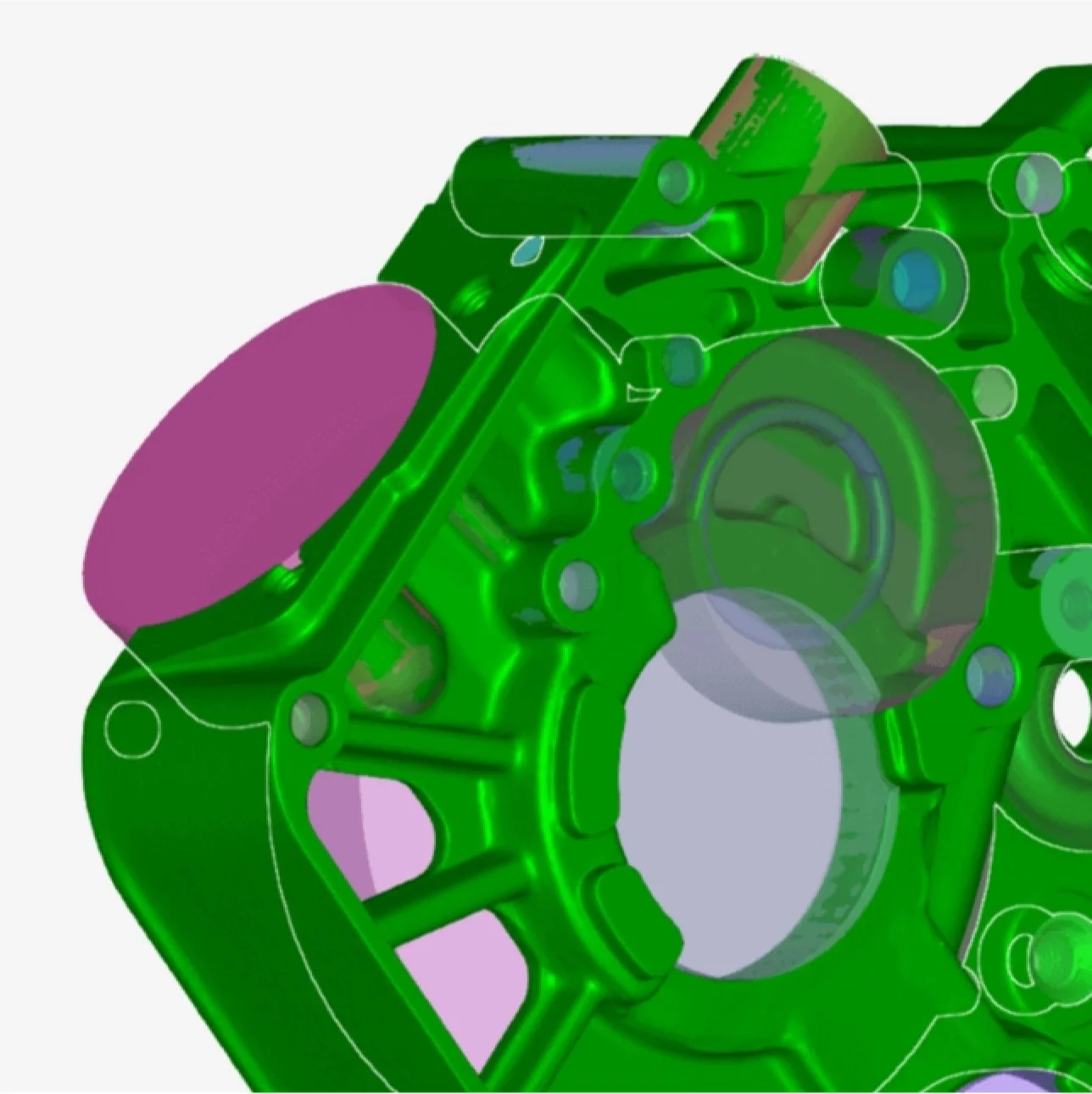
reverse engineering
Fit CAD primitives, convert to CAD surfaces in one click, Merge, Subtract and Intersect with Boolean operations, and extract 2D cross sectional sketches
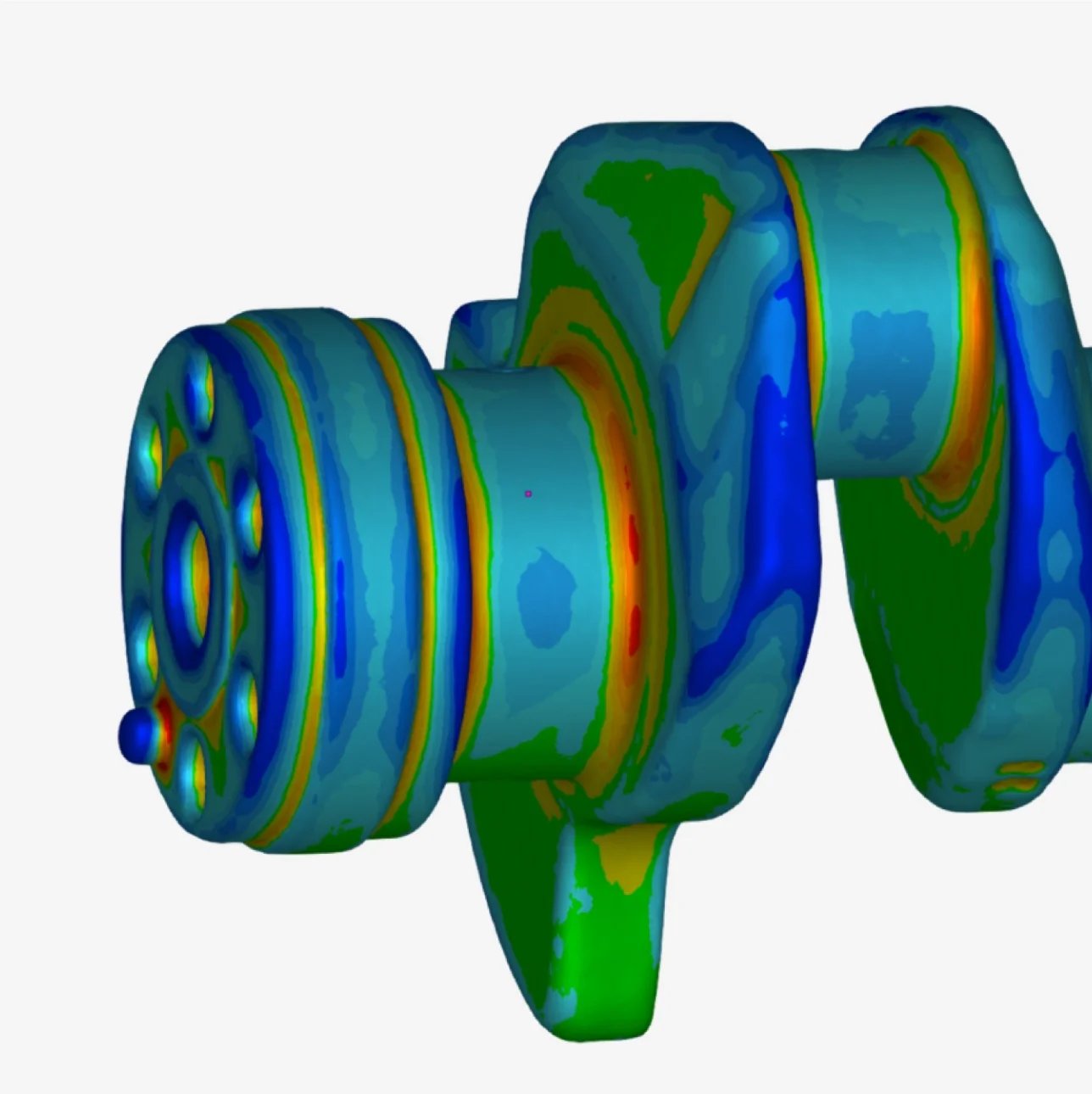
inspection
Artec Studio includes tools that allow you to inspect, compare, and measure your models. Express surface deviation with color maps, Evaluate profiles with 2D cross sectional deviation, add annotations, create datum alignments to CAD models, and measure between features
FAQ
-
Yes. Artec Studio can import a variety of generic file types and can work with data from any 3D scanner
-
Yes, Artec Studio has various alignment features including datum alignments and can import CAD models in universal formats like STEP, IGES, and Parasolid
-
Yes, data from any combination of Artec scanners can be mixed & matched for the best of both worlds
-
No, Artec Studio has many features that are useful without a scanner and can even create models using purely photographs